
Choosing the right gaming monitor can make a bigger difference to your experience than even upgrading your GPU, especially with today’s mix of 4K, high refresh rates, and OLED technology. The four monitors below span everything from budget-friendly 4K options to cutting-edge QD-OLED panels designed for elite performance.
This comparison breaks down how each one performs in real gaming scenarios so you can pick what actually fits your style of play.
Comparison Table
Scroll <-left or right -> for more data
| Attribute | ASUS ROG Strix XG32UCG | CRUA 32" 4K 160Hz Curved | MSI MPG 321URX QD‑OLED | LG 32GX850A‑B UltraGear |
|---|---|---|---|---|
| Panel Type | Fast IPS | VA (curved) | QD-OLED | OLED / Dual-mode |
| Resolution | 4K (3840×2160) | 4K (3840×2160) | 4K (3840×2160) | 4K |
| Refresh Rate | 160Hz (4K) / 320Hz (1080p) |
144–160Hz | ~240Hz (4K typical OLED tier) |
Dual-mode (high Hz + ultra high FHD Hz) |
| Response Time | ~0.3–1ms | ~1ms (claimed) | ~0.03ms | ~0.03–1ms |
| Adaptive Sync | G-Sync + FreeSync | FreeSync | G-Sync + FreeSync | G-Sync + FreeSync |
| HDR | DisplayHDR 400 | Basic HDR | True HDR (OLED contrast) | True HDR (OLED) |
| Color Gamut | ~95% DCI-P3 | ~120% sRGB | Near 99% DCI-P3 (typical QD-OLED) |
Wide gamut OLED |
| Key Feature | Dual-mode (4K/160 ↔ 1080p/320) |
Cheap 4K + curve | Best image quality + speed | Extreme dual-mode + OLED |
| Target Tier | Upper mid-range | Budget | Premium flagship | Premium flagship |
Disclosure:As an Amazon Associate, I earn from qualifying purchases
Straight recommendation
Best overall (no compromise):
👉 MSI MPG 321URX QD-OLED
✔ Best visuals + speed
✔ True next-gen experience. Link
Best for mixed gaming (smart buy):
👉 ASUS ROG Strix XG32UCG
✔ Most practical
✔ Great for both esports + AAA. Link
Best budget option:
👉 CRUA 32″
✔ Cheapest way into 4K 160Hz
✖ Expect trade-offs. Link
Alternative flagship:
👉 LG 32GX850A-B
✔ Similar to MSI, pick based on price/availability. Link
Detailed Review
1) ASUS ROG Strix XG32UCG
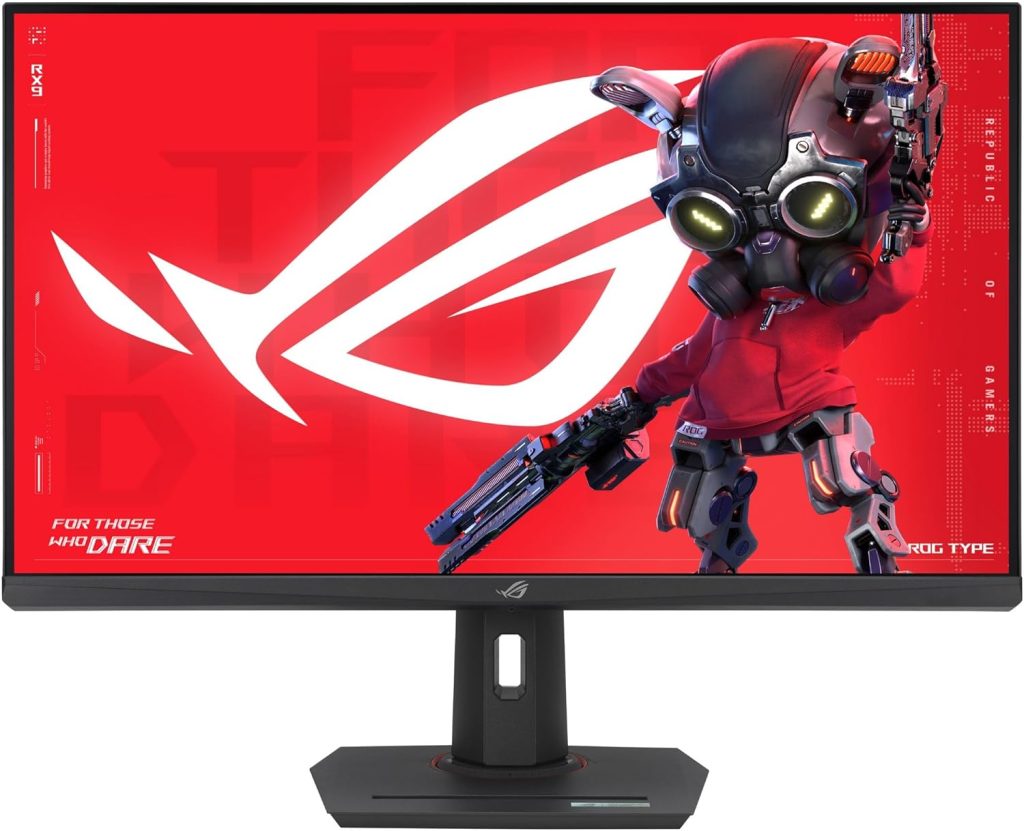
The ASUS ROG Strix XG32UCG is built around versatility, and that’s its biggest strength. Its standout feature is the dual-mode capability that lets you switch between 4K at 160Hz for immersive gaming and 1080p at 320Hz for competitive play, essentially giving you two monitors in one.
Combined with a Fast IPS panel and extremely low response time (~0.3ms), motion clarity is excellent, and features like ELMB Sync and adaptive sync further reduce blur and tearing for smoother gameplay. Color performance is also solid for an IPS display, covering around 95% of the DCI-P3 gamut, making it suitable not just for gaming but also for general media consumption.
That said, it still inherits the usual IPS limitations. Contrast and black levels are noticeably weaker than OLED panels, so dark scenes won’t have the same depth or punch. HDR is limited (DisplayHDR 400), meaning it’s more of a “basic HDR” experience rather than true cinematic HDR.
Community feedback highlights how much people appreciate the dual-mode flexibility, especially for switching between esports and AAA gaming, though some note occasional panel uniformity issues in certain units

2) CRUA 32″ 4K 160Hz Curved Monitor
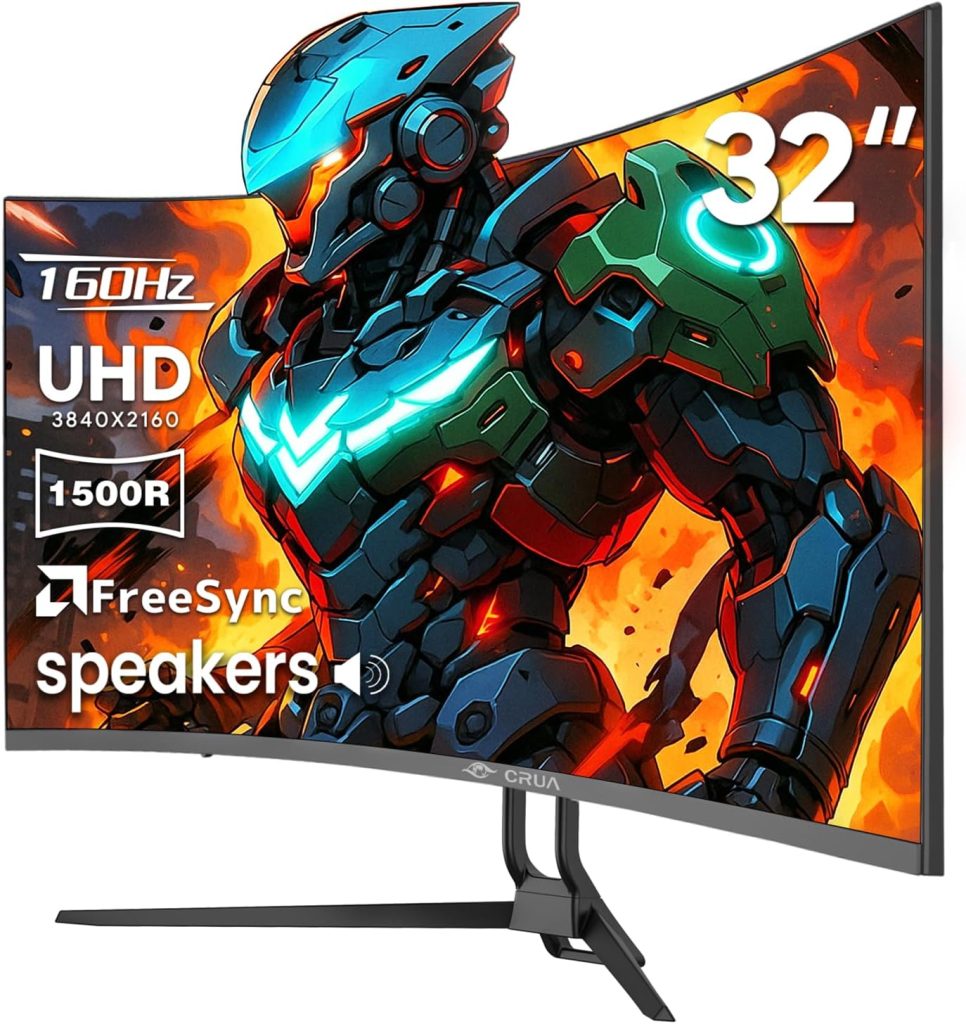
The CRUA 32″ 4K 160Hz monitor is clearly positioned as a budget-friendly entry into high-resolution gaming. It offers an attractive combination of 4K resolution, a high refresh rate, and a curved VA panel, which gives it better native contrast than IPS displays.
This means blacks look deeper and overall image depth is improved compared to cheaper IPS options. For casual gaming and general use, it delivers surprisingly decent performance for the price, especially if you’re upgrading from a 60Hz display.
However, compromises are unavoidable at this price point. VA panels tend to suffer from slower pixel transitions, especially in dark scenes, which can lead to smearing in fast-paced games.
HDR performance is basic and not comparable to premium monitors, and build quality, consistency, and quality control are often reported as mixed. Community feedback frequently describes it as “good for the price but inconsistent,” with some users experiencing defects or variability between units.
3) MSI MPG 321URX QD‑OLED
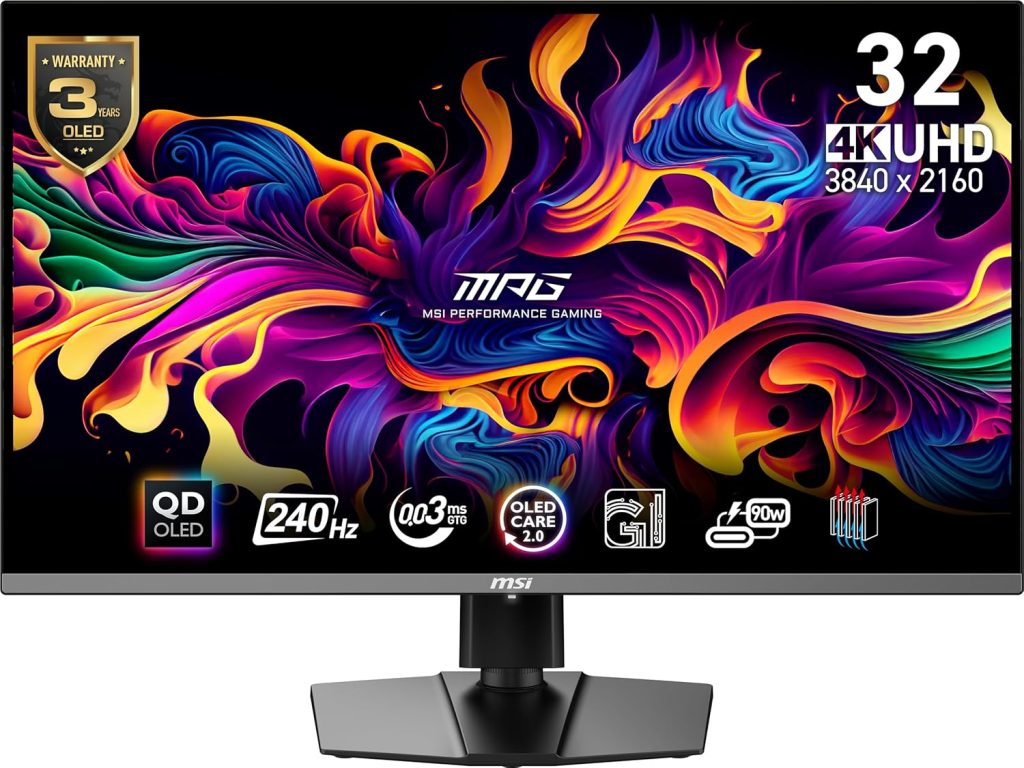
The MSI MPG 321URX QD-OLED is a flagship-level gaming monitor that excels in both image quality and speed. Its QD-OLED panel delivers true blacks, near-infinite contrast, and extremely vibrant colors with around 99% DCI-P3 coverage, resulting in a visually stunning experience.
It also combines this with a 240Hz refresh rate and ultra-fast 0.03ms response time, making it one of the rare monitors that is equally strong for cinematic gaming and competitive play . Features like HDMI 2.1, a KVM switch, and OLED care technology further enhance its usability and longevity.
That said, OLED comes with trade-offs. Long-term testing shows that burn-in is still a real (though gradual) concern under heavy static usage, even if modern protections reduce the risk significantly .
Some users also report minor text clarity issues due to subpixel structure, especially for productivity work, although gaming and media consumption remain outstanding . Despite these drawbacks, this monitor is widely regarded as one of the best gaming displays available today, offering a level of visual fidelity that IPS and VA panels simply cannot match.
4) LG UltraGear 32GX850A‑B
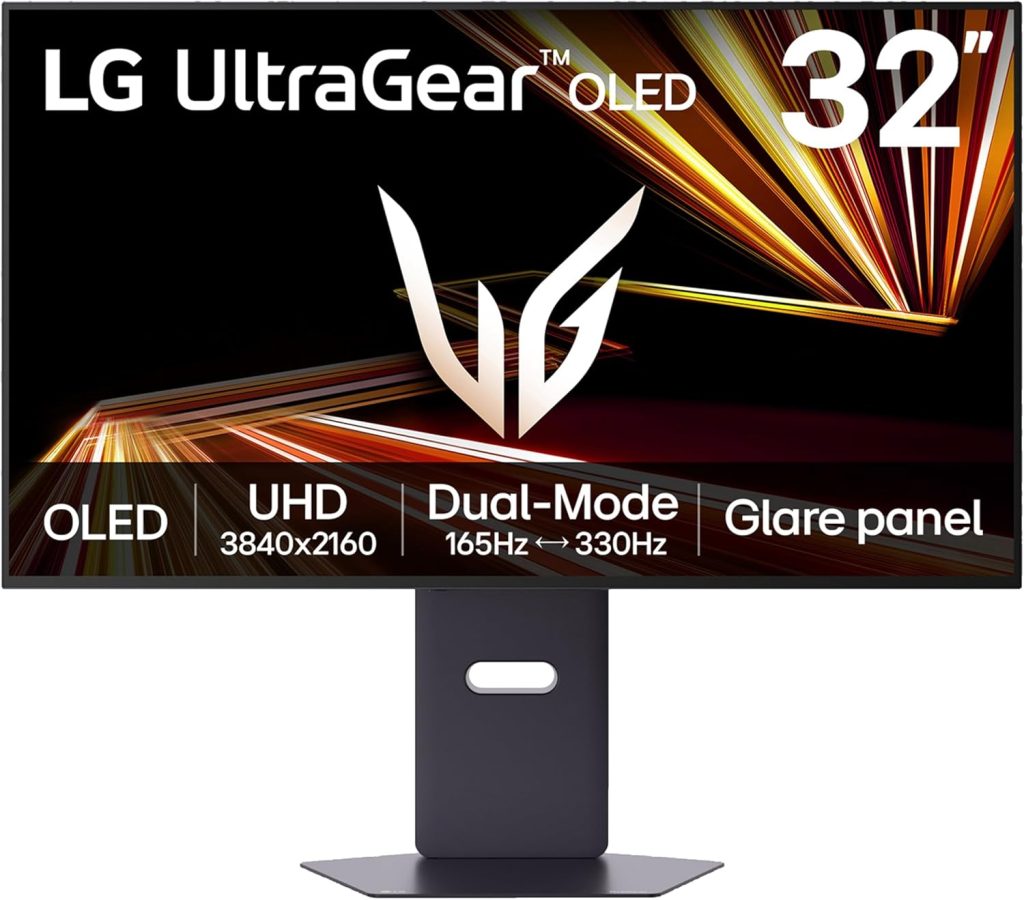
The LG UltraGear 32GX850A-B sits in the same premium tier as the MSI OLED and is designed for gamers who want cutting-edge performance and image quality. With OLED technology, it delivers exceptional contrast, true blacks, and outstanding HDR performance, making games look far more lifelike compared to traditional LCD panels.
Its dual-mode capability (similar in concept to ASUS but paired with OLED performance) allows it to cater to both high-resolution immersive gaming and ultra-high refresh competitive scenarios.
Like all OLED monitors, its strengths come with caveats. Burn-in risk remains something to consider for long-term use, especially if you leave static UI elements on screen for extended periods.
OLED panels can also be less ideal for productivity tasks involving static text, depending on subpixel layout and brightness behavior. However, for pure gaming, especially AAA titles and visually rich experiences, it stands among the best displays available. Compared to IPS alternatives, it feels like a generational leap rather than an incremental upgrade.